
Your installed products
Find product dashboards, guides, and update information without searching through menus.
Your SloopStack account brings your purchases, downloads, billing, and support together. For our WordPress products, Manager also keeps installed tools and updates close at hand.
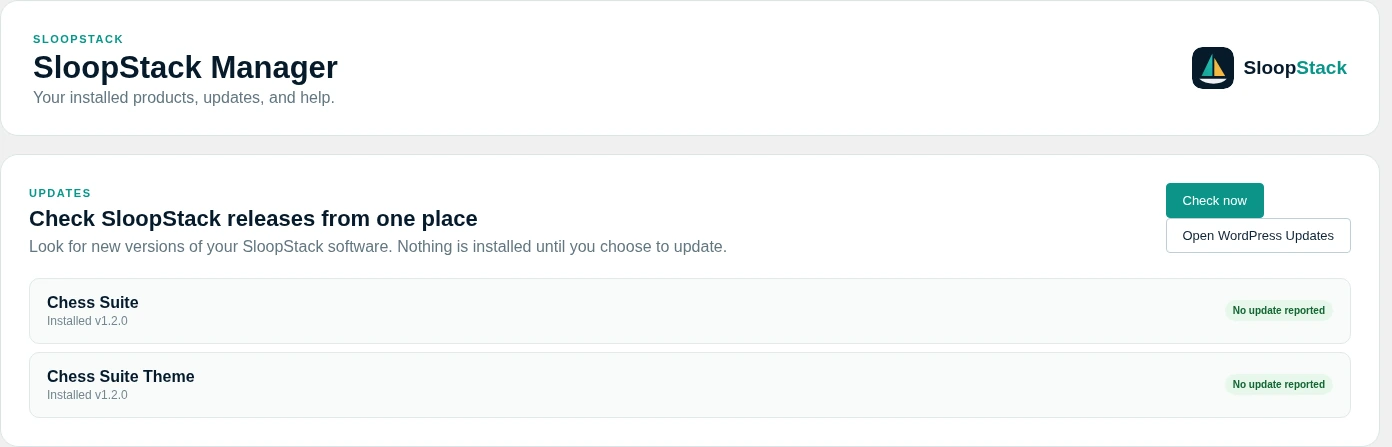
See which SloopStack tools are installed, which are active, and whether an update is available. Product dashboards and guides are just a click away.
Find product dashboards, guides, and update information without searching through menus.
See the licence information shared by each product. Open your account to review your plan and website activations.
Check for new versions, take a backup, and choose when to install. Your site stays under your control.
Create a short technical report to share with support. Review it first; passwords, licence keys, and customer records are left out.
 Enlarge preview
Software built around the work your team does every day.
Open your tools and check for updates without leaving WordPress.
Your purchases, downloads, billing, and support requests in one account.